








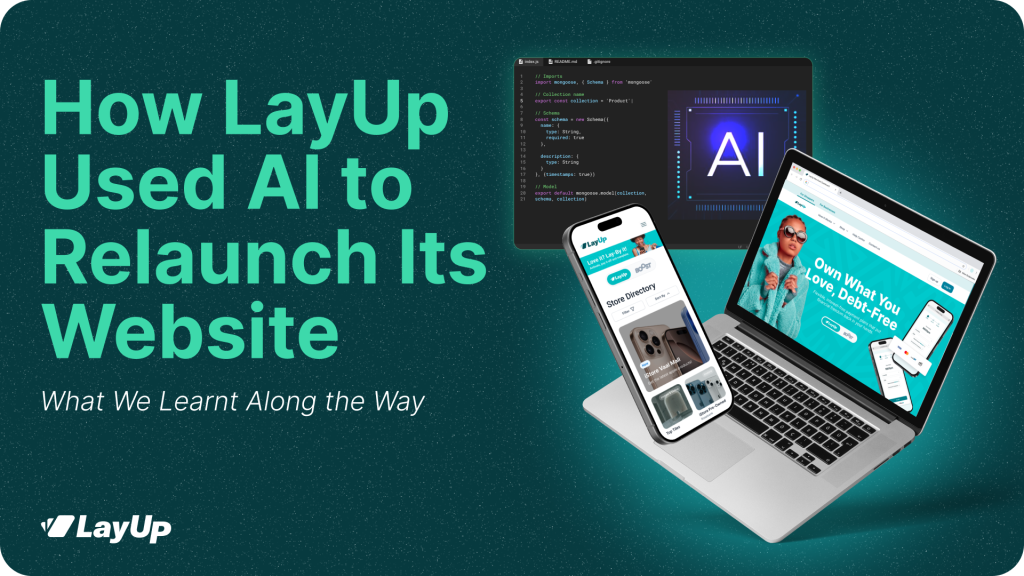
When we set out to relaunch the LayUp website, one thing took precedence: momentum. We needed to develop a new site without compromising quality or long-term maintainability.
The question wasn’t whether AI could help. It was about using it strategically. The answer turned out to be simple: AI didn’t replace our developers; it removed friction from parts of the process that slow teams down and create bottlenecks.
Using AI to Speed Up the Build (Not Redesign It)
To support the rebuild, our development team paired GitHub Copilot with Figma, connected via a Model Context Protocol (MCP) server. This allowed AI to read selected Figma frames and translate them into usable CSS components.
According to LayUp Business Analyst Ryan Dunn, this worked particularly well for clearly defined, repeatable UI elements, things like pricing tables, FAQ sections, spacing systems, and typography rules.
Instead of rebuilding these components manually from scratch, AI produced a sound initial attempt that developers could refine and integrate properly.
On pages like pricing, this approach cut development time by around 50%, turning a two-day ticket into one. Not because AI “did the work,” but because it removed the slowest, most repetitive steps.

Where AI Helped
AI added the most value where speed mattered, and complexity was low:
- Translating static Figma designs into base UI components
- Accelerating layout work (spacing, colour usage, typography)
- Building modular, repeatable sections like FAQs and pricing blocks
- Reducing back-and-forth between design and development
In other words, AI helped with execution, not thinking.
Where We Stepped In
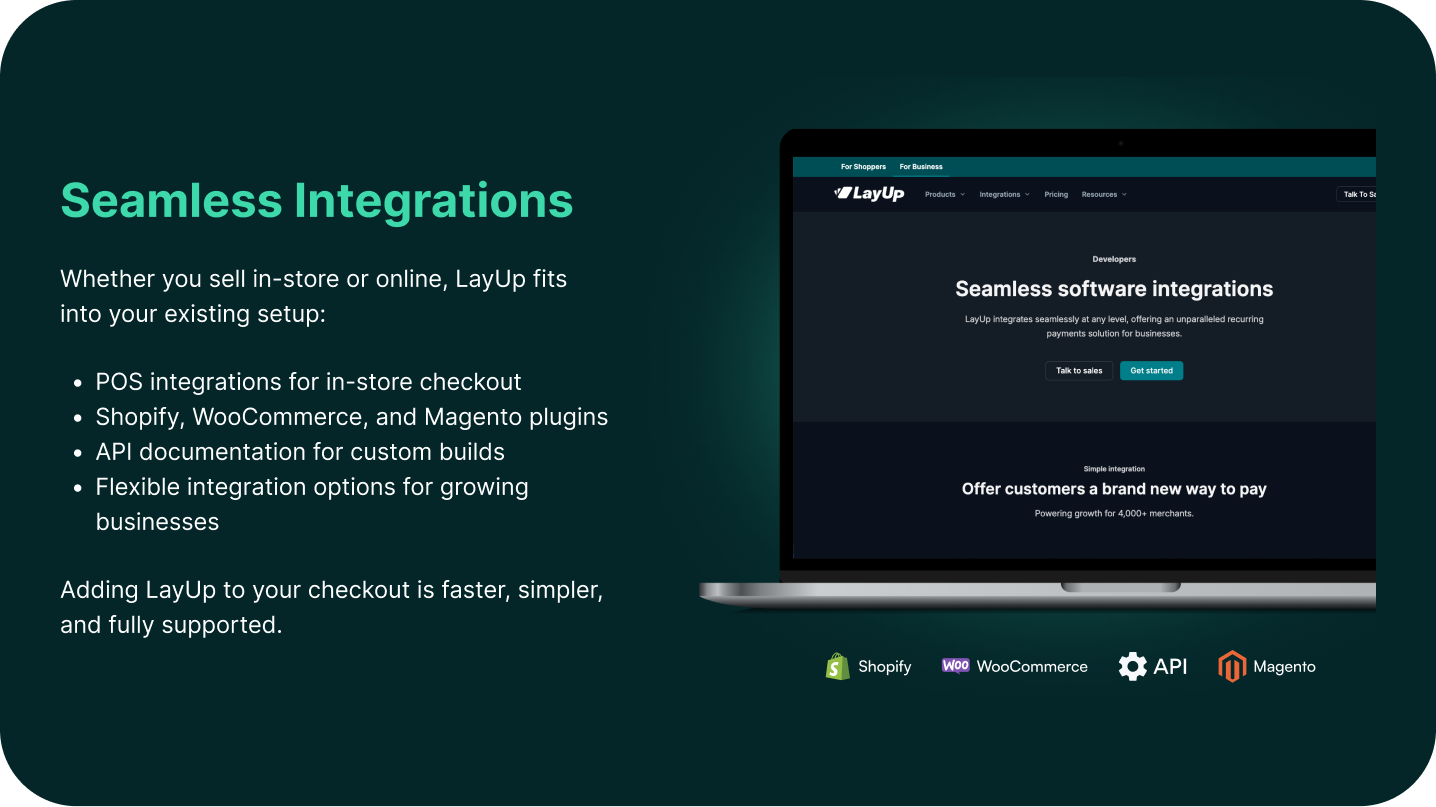
More complex parts of the site, such as the store directory, API integrations, filtering logic, and business rules, were intentionally built without AI.
There were also some real learning curves:
- Early permission and access issues between GitHub and the MCP server
- AI occasionally generates new components instead of reusing existing ones
- Outputs still require careful review for naming conventions, consistency, and maintainability
As Ryan put it, AI has a tendency to “standardise everything,” which doesn’t always play nicely with nuanced systems.
AI as a Junior Assistant, Not a Shortcut
In the end, AI was only used on two to three sections of the site. Every output still went through human review and refinement by the development team.
The takeaway was clear: AI works best when treated like a junior assistant.
- Great at speeding up the basics
- Useful for repetitive UI work
- Not yet reliable for complex logic or system design
Essentially, AI didn’t replace craftsmanship; it protected it by speeding up certain processes.
ALSO READ: LayUp and Top T Are Officially Nationwide